
ReleasedNovember 2026
Routific remembers your customers
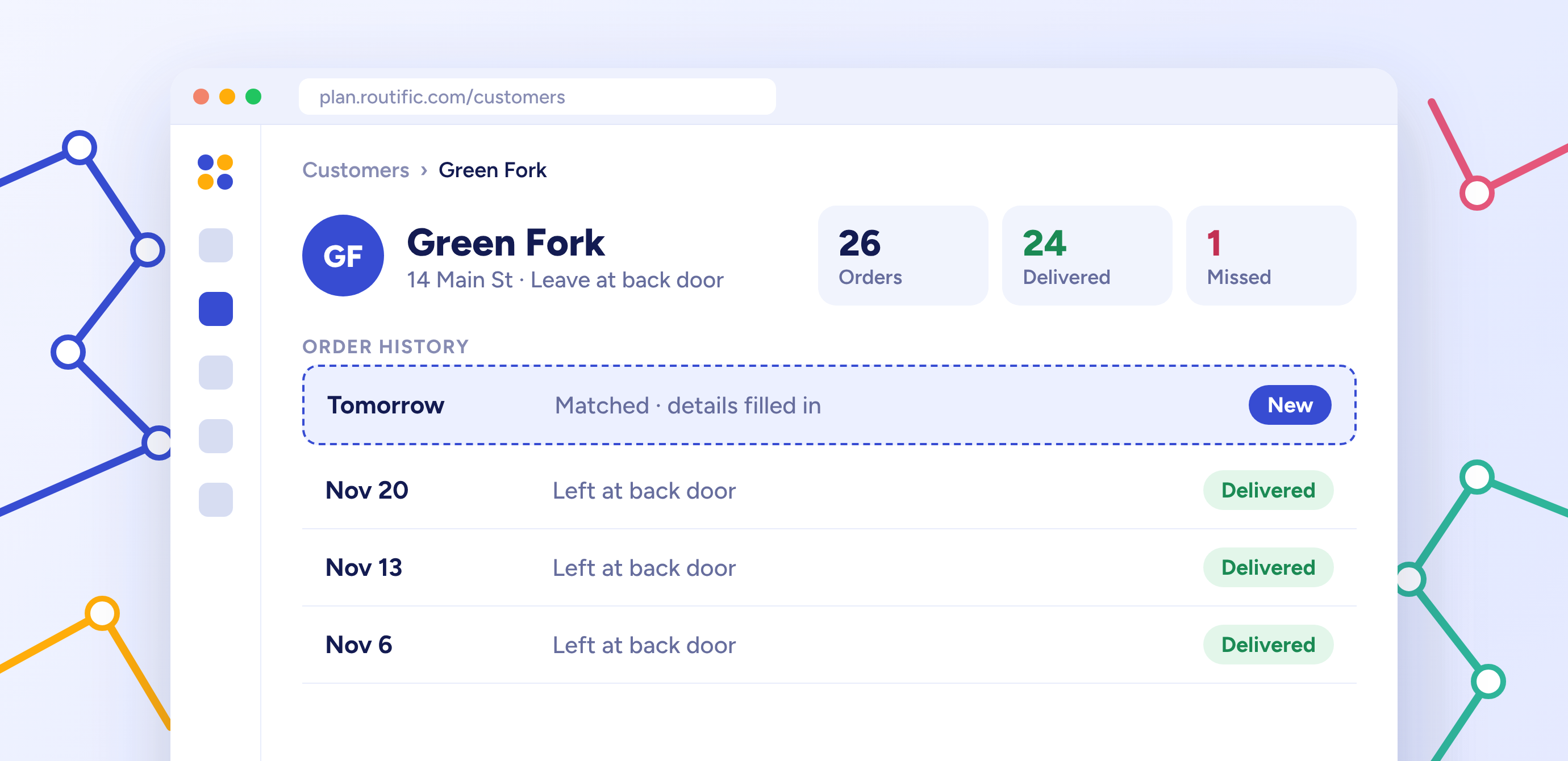
Save a customer once, and Routific takes it from there. Match: New orders are matched to the right customer, whether you typed them in, uploaded a spreadsheet, or sent them from the API or an integration. Enrich: Blank details like duration, notes, time window, and load are filled in from the customer's profile. Anything already on the order stays as is. Organize: Open any customer to see their delivery history, plus how many orders were delivered or missed. Already have orders in Routific? Select them on the Orders page and click Create customers to save up to 100 at a time. Learn more: https://help.routific.com/en/articles/57-how-to-save-customers-in-routific